
A driveway camera can look clear in daylight, then show a bright white wall and a dark yard after sunset. Before buying a stronger camera or moving a mount, record what changes at night. Glare, reflected infrared light, a dirty lens and a light shining toward the camera can need different checks.
This is an observation guide, not a repair procedure. Camera settings, cleaning methods and mounting limits depend on the exact model. For an existing system, use its support instructions or ask the provider before changing equipment.
Compare the same view in daylight and after dark
Choose the part of your property you actually want to see, such as a gate or the approach to your door. Compare the live view and, if your service includes it, a recorded clip. Keep the camera position unchanged while making the first comparison.
Note the time, weather, nearby lights and whether the problem affects the whole picture or one edge. A useful description is “the wall on the left turns white after dark, while the gate is hard to see,” rather than simply “night vision is broken.” Save examples without sharing identifiable visitors or neighboring private spaces publicly.
A bright edge can point to a nearby reflection
Google’s Nest Night Vision troubleshooting guide describes washed-out areas and rings caused by infrared light reflecting from nearby surfaces, including walls, windows and screens. That is a possible explanation for those symptoms, not a diagnosis of every camera.
From a safe ground-level position, look for a wall, downspout, soffit or other surface close to the camera. Include it in the notes for your installer. An Axis technical paper on IR reflections in dome cameras also explains that the infrared illumination can extend beyond the visible camera view. A reflection source may therefore be nearby even when it is not obvious in the picture. Its dome-specific maintenance advice should not be copied onto a different camera.
Do not cover lights or sensors with tape, open the housing, climb to reach a camera or loosen its mount to experiment. Ask whether the model’s placement or aiming needs a professional adjustment.
Separate window reflections from outdoor camera placement
If an indoor camera watches the driveway through glass, the window is part of the problem to investigate. Google’s camera-placement guidance warns that glass can create reflections and affect video quality or Night Vision; it also notes detection limits for some battery-powered cameras in that arrangement.
That does not mean moving an indoor camera outdoors is safe. Equipment, cables and power adapters must be suitable for their environment. Our indoor camera placement guide covers room views and privacy. For an outdoor view, ask the provider which outdoor-rated equipment and mounting position fit the job.
Check what the lights are doing
A porch lamp or floodlight shining toward the lens can affect the picture. Compare what you see when ordinary household lighting is in its usual evening state, without changing safety lighting or electrical wiring. Tell the provider which light is visible and whether the problem changes when it normally turns on.
Google’s Night Vision explanation says range depends on the model and available light, and recommends checking live or recorded video after dark. Its description of Nest night-mode behavior is not a promise about another brand or model. There is no single night-view distance or setting that fits every installation.
Know when to stop checking
Visible dirt, droplets or a web are worth noting, but cleaning must follow the exact camera’s instructions and be possible without unsafe access. Google’s video-quality guide distinguishes blur, glare and color changes. Persistent pink, blue or purple video, a damaged housing or a problem that remains after approved checks belongs with support, not trial-and-error repair.
Send the provider the model name, an example from day and night, the time the issue occurs, and a description of nearby surfaces and lights. Ask whether the proposed view can show the detail you need, how recording works with your service, and what any adjustment would involve. Clearer video does not guarantee identification or an emergency response.
Planning a new outdoor camera?
Use our outdoor camera planning page to prepare questions about the view, power, connection and recording options. ShieldStreamz connects homeowners with SafeStreets, an ADT Authorized Provider. To discuss available home security options, call (855) 585-8177. Confirm equipment, service terms and charges with the provider before agreeing to work.
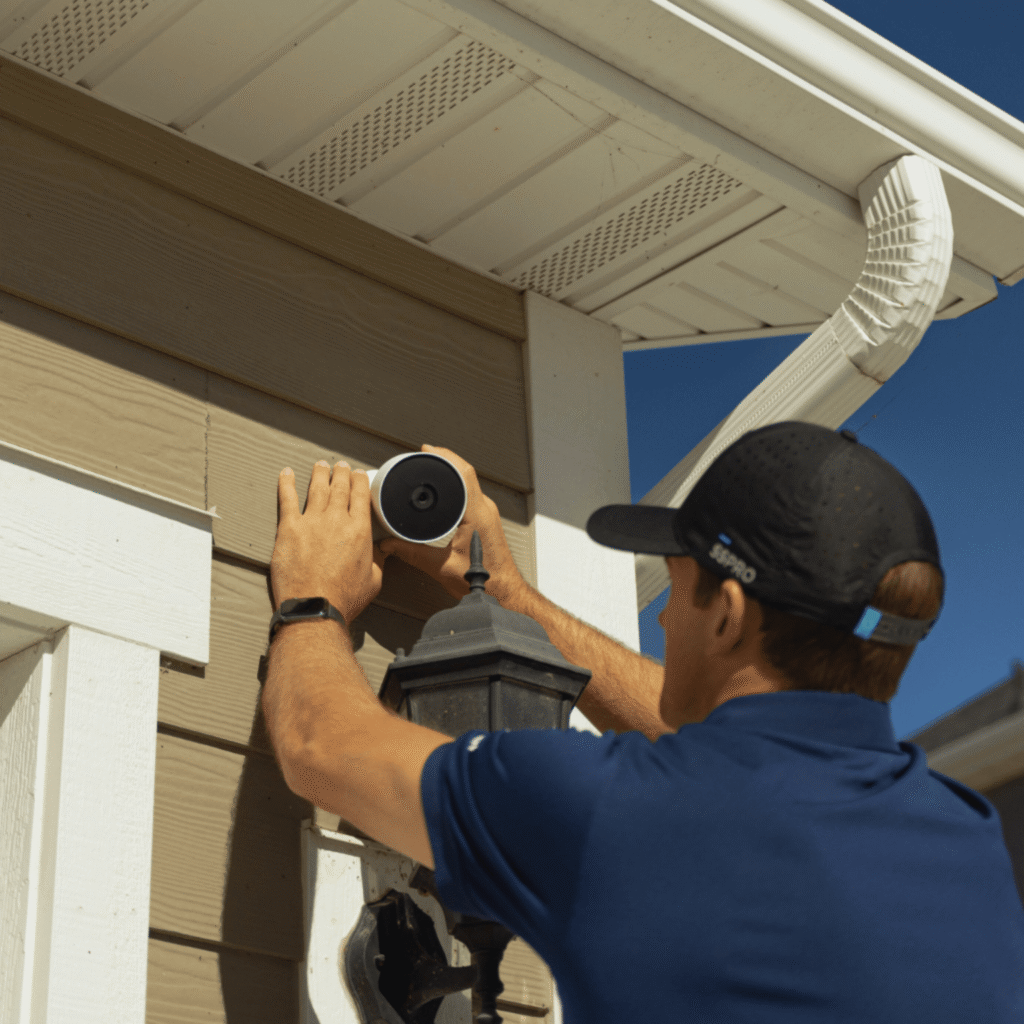
Official support and technical sources checked November 14, 2026. The featured installation photo is illustrative, from the SafeStreets Brand Hub; it is not a night-view performance example.
For a property in Scranton, our Scranton home security installation guide connects exterior lighting and camera-view questions with the City’s prevention checklist and project-specific permissions.
For a property in Philadelphia, our Philadelphia home security guide separates City burglar-alarm registration from Police SafeCam camera registration and lists questions for an installation consultation.