A security camera that looks foggy every morning needs a closer look, not an automatic replacement or a guessed repair. Moisture on a lens cover, moisture inside a housing, dirt and reflected light can produce a hazy view. Record when the picture changes and follow the exact camera’s support guidance before cleaning, moving or opening anything.
If this is an existing system, use your manufacturer or monitoring provider’s verified support route. ShieldStreamz’s enquiry line is for discussing new home-security options, not diagnosing a fault, confirming monitoring or arranging emergency response.
Record the pattern before calling it a broken seal
Compare the same view before sunrise and later in daylight without changing the camera position. Note rain, mist, temperature changes and whether the image clears on its own. Save a short sample or screenshot if your service permits it. Include the time and camera name so support can compare like with like.
From a safe, accessible position, note whether you can actually see droplets on the outside cover or moisture that appears behind it. If you cannot tell, say so. A blurry recording alone does not locate the moisture or prove that a seal has failed.
Amcrest’s condensation guidance identifies temperature changes and a damaged seal as possible causes for its cameras. It also warns against disassembling the camera yourself. Those possibilities are useful questions for support, not a diagnosis of a different manufacturer’s device.
Separate moisture from other picture problems
Google’s Nest video-quality guidance lists a dirty lens among causes of blurry or splotchy video and discusses glare separately. For a newly installed camera, its checklist also includes the protective shipping sticker. Use the instructions for your actual model rather than peeling an unfamiliar film or touching a mounted camera on a guess.
If the problem is a bright reflection after dark rather than visible moisture, our outdoor-camera night-glare guide covers what to record. Keep the symptoms separate when asking for help. A clearer picture later in the day is useful evidence, but it does not prove that the earlier footage captured what you needed.
Cleaning and drying advice is not interchangeable
Check the manufacturer’s cleaning instructions and the precise model before applying any product. Google’s Nest cleaning guide calls for a soft, lint-free cloth and warns against household cleaners, glass cleaner and rubbing alcohol. Its instructions distinguish indoor and outdoor products.
Do not transfer a forum’s suggestion about car-glass treatments, detergent or an anti-fog spray to your camera. Manufacturer advice differs: Arlo publishes condensation precautions for its cameras, while other manufacturers give different cleaning and service steps. A product being suitable for one device is not approval for another device’s lens coating, seals or warranty.
Do not use this general guide to open the housing, loosen a cover, add desiccant, apply heat or alter wiring. Ask support which steps, if any, are approved for your model and circumstances. Leave high-mounted equipment and anything requiring a ladder or electrical access to a qualified professional. If there is visible damage or suspected water ingress, seek model-specific safety guidance instead of continuing a cleaning experiment.
Build a useful support request
- Identify the camera: provide the exact model, approximate installation date and whether it is battery-powered, plug-in or wired. Keep serial numbers and account details in the provider’s private support channel.
- Describe the view: say whether the problem affects one camera or several, the live view, recordings or both. Do not assume all cameras share the same cause.
- Document the timing: include before-and-after samples, weather and whether the haze returns. Crop or share footage through a trusted support route to avoid exposing unrelated private activity.
- Ask for the next step: does support need a lens photograph, an installation check or a service assessment? Ask about warranty eligibility and any charges before approving a visit or replacement.
For example, Reolink’s water-or-fog support page asks for a lens photograph or live-view screenshot when the issue persists. That evidence-gathering idea is useful; its hardware procedures should not be copied onto an unrelated camera.
For a new installation, ask about the location and upkeep
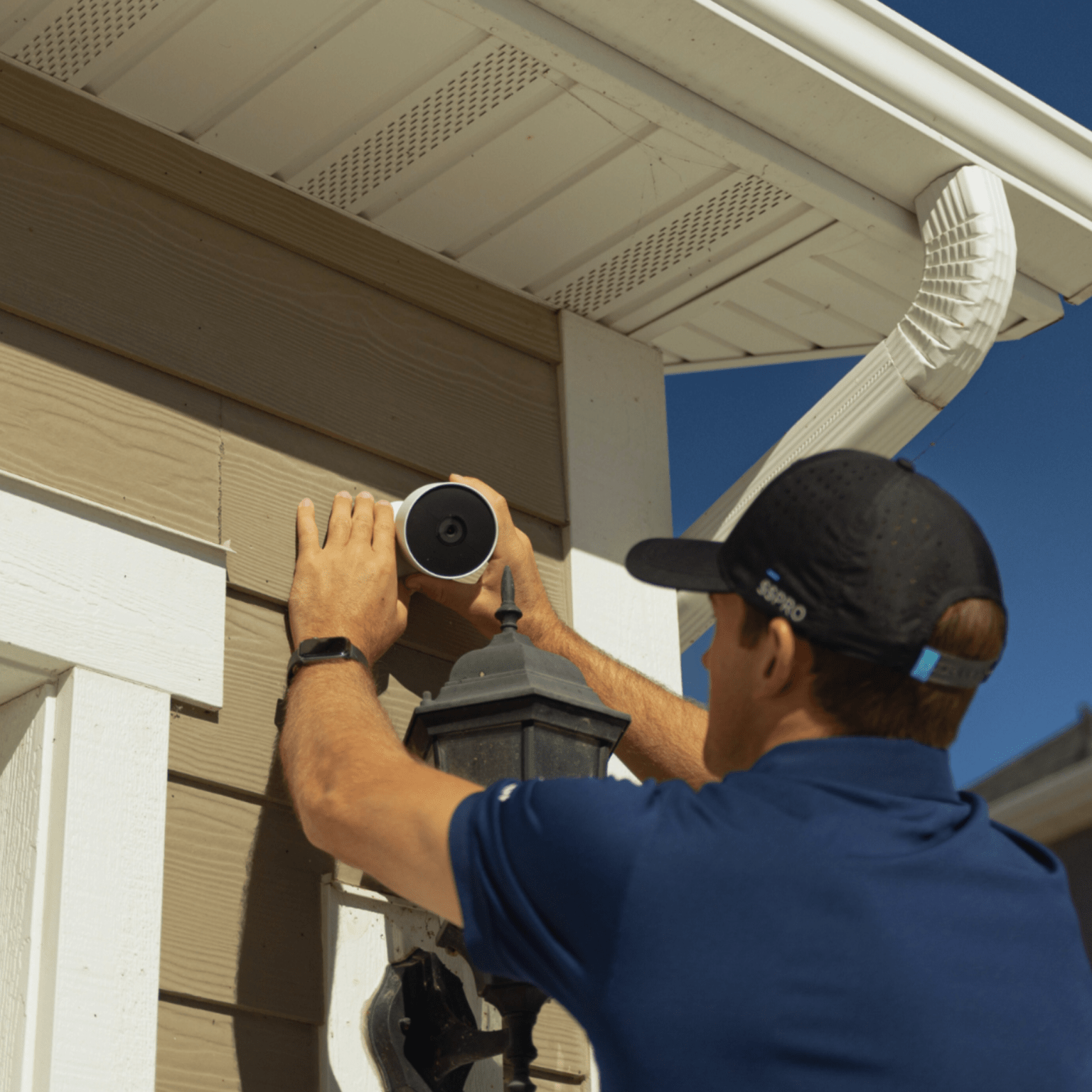
Discuss weather exposure, safe maintenance access and the required view with the installer. Ask what the proposed equipment can and cannot do in those conditions, and who handles a recurring image-quality fault. Do not assume that adding a cover or moving a camera preserves its detection view or meets the manufacturer’s installation requirements.
See our outdoor-camera overview and professional installation guide for the wider planning conversation. SafeStreets is an ADT Authorized Provider. Confirm equipment, exact-address availability, charges and agreement terms directly before committing.
Discuss new security options: (855) 585-8177
Sources checked November 18, 2026. Product examples are limited to the named manufacturers and do not establish the cause of a fault or guarantee image quality for your home.