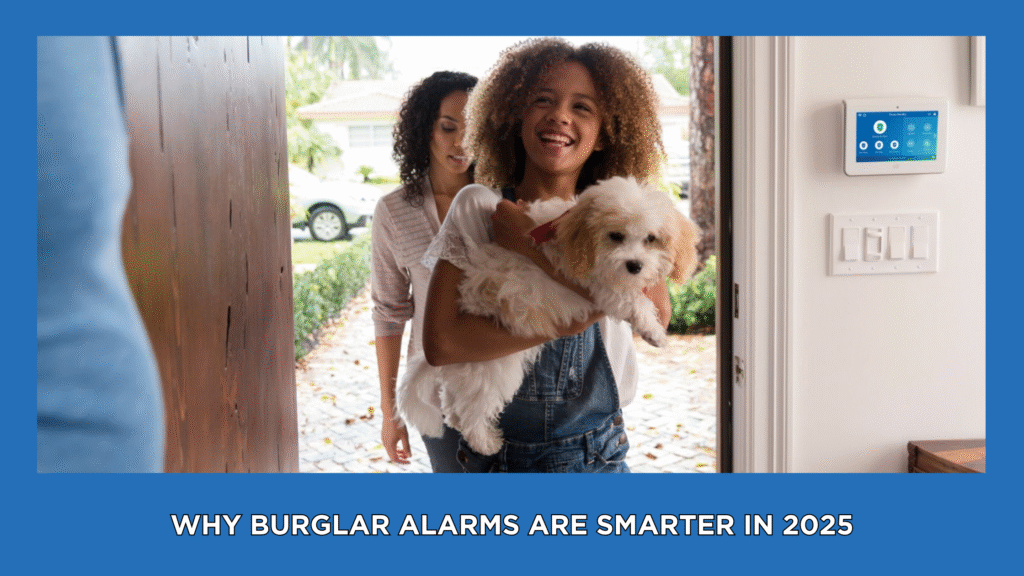
A cat on a staircase or a dog on a sofa can make a motion-sensor plan more complicated than a pet’s weight suggests. If you are choosing a home security system, ask how the proposed detector will work with your pets and the room it will watch. If an existing alarm activates, do not assume your pet caused it.
“Pet immune” describes a feature with conditions, not a promise that an animal can never trigger an alarm. The exact sensor, its setup and your pet’s access to furniture all matter.

Start with the detector, not a universal weight limit
Pet limits are not interchangeable between products. For example, the ADT Motion Sensor product page describes adjustable sensitivity to help prevent false alarms from pets under 85 pounds. That statement applies to the product on that page. It does not identify a detector already installed in your home or confirm which equipment another package includes.
Ask for the proposed model and its current instructions. Tell the installer how many pets live with you, their approximate weights and where they go when nobody is home. Do not treat several animals as one simple weight calculation or assume a smaller pet automatically meets every condition.
Why stairs and furniture belong in the conversation
A pet does not always stay at floor level. Cats climb shelves and stairs; dogs may use sofas or raised landings. ADT’s pet-sensor guide identifies climbing areas and stairs as placement concerns. Ask the installer to review the room as your pets actually use it, including furniture near the proposed detector.
Prepare a simple room sketch or photographs for that discussion. Note the pet’s usual route, favorite perch and access to adjacent stairs. These details help frame a placement review; they are not instructions to move, tilt or open a detector yourself. Do not copy a mounting height from a different model’s guide.
A motion alarm is different from a camera alert
First identify what happened: a camera notification, a named alarm zone, a keypad trouble message or a monitoring-center call. A camera recording movement does not, by itself, explain what an intrusion detector reported. Changing a camera’s activity zone is not proof that an alarm sensor’s coverage changed.
For camera-planning questions, see our indoor-camera views and privacy guide. Keep the camera’s role separate from the alarm design rather than assuming one device replaces the other.
If an existing motion alarm keeps activating
Follow your provider’s alarm-response instructions. If there are signs of an intruder or immediate danger, move to safety and contact emergency services. A pet being nearby is not evidence that an activation was harmless.
When it is safe, record the time, exact zone name and message. Note where pets were, any recent furniture changes and whether the event repeated. Avoid posting alarm codes, account credentials or detailed security layouts online.
ADT’s motion-sensor troubleshooting sheet lists several possible sources of false signals, including sunlight, temperature changes, small animals and faulty equipment. That is a reason to request a diagnosis, not to blame the pet. Contact the company servicing your existing system for model-specific advice and a properly coordinated test.
Do not tape over a lens, disconnect a sensor, reduce sensitivity or change arming behavior to stop nuisance events without your provider’s guidance. A quieter system is not proof that the intended areas remain protected.
Questions before a new installation
- Which detector is proposed, and what pet-related conditions apply?
- How will stairs, climbing furniture and multiple pets affect the design?
- Which areas will each sensor cover, and what other devices are proposed?
- Who will demonstrate the system and explain follow-up support?
- What equipment, installation work and monitoring terms are included in the written offer?
Explore professional installation or our security sensors and alarms overview to prepare for that discussion. Confirm the exact design, compatibility, availability and terms before agreeing to a package.
Planning a system for a home with pets?
ShieldStreamz is a marketing and referral business. SafeStreets is an ADT Authorized Provider. For a new-system enquiry, call (855) 585-8177 and describe your pets and room layout. This enquiry line is not a replacement for your existing provider’s technical support or emergency services.
Official source pages checked November 16, 2026. Product features and installation requirements depend on the model and current offer.