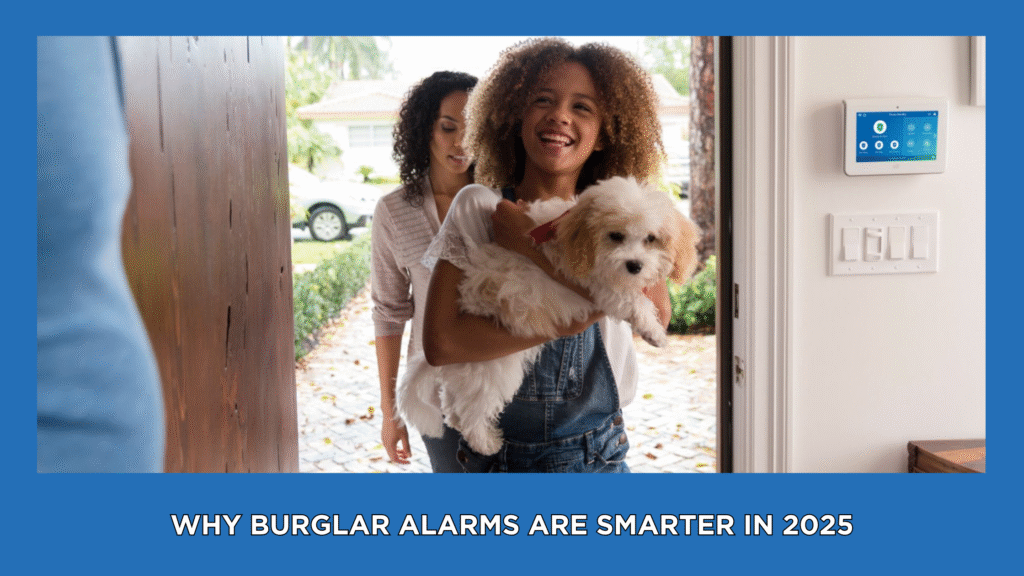
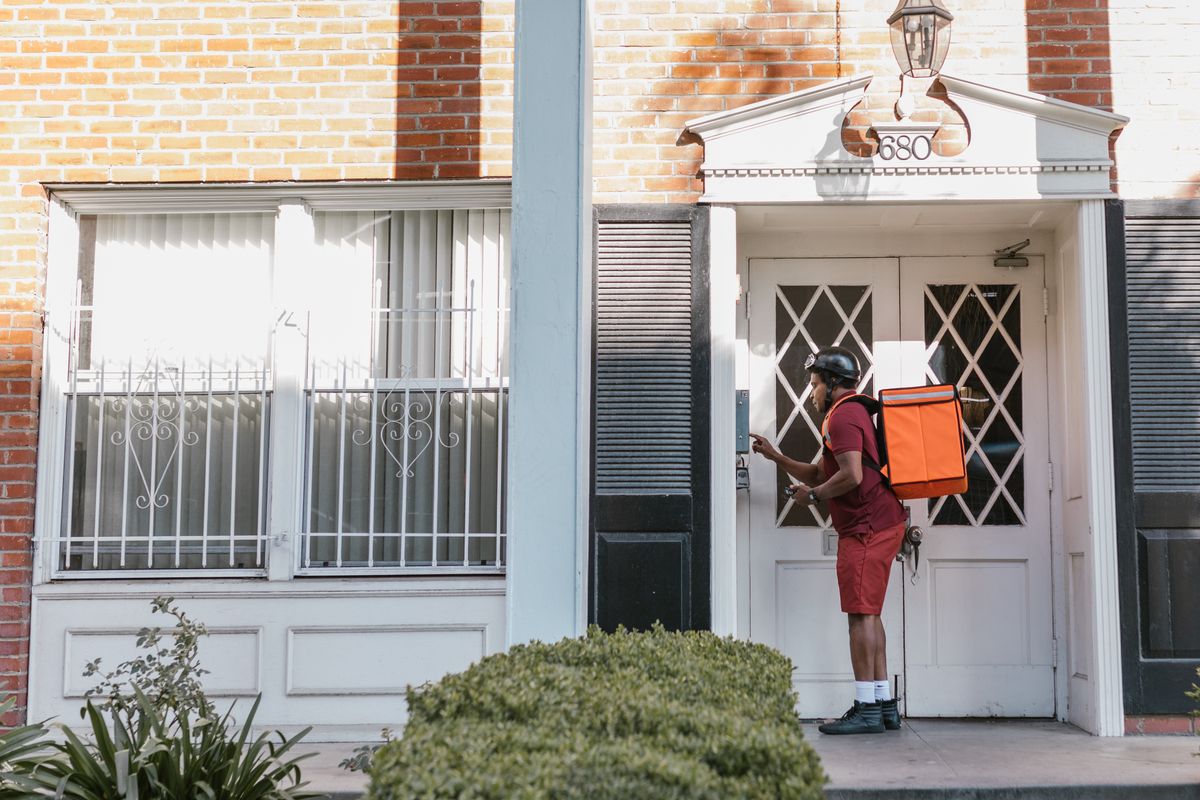
A video doorbell is often the first camera a household adds. The main choice is how it gets power. Both types work well in the right house. Here is how to decide.
Short answer
- Choose wired if your home already has doorbell wiring and you want steady power with no recharging.
- Choose battery if there is no wiring, you rent, or the door is hard to reach with a cable.
Wired video doorbell
Pros
- Constant power, so no battery to recharge or swap.
- Usually better suited to features that use more power, such as faster wake-up and longer live view.
- Often more reliable through cold weather.
Cons
- Needs working low-voltage doorbell wiring and a compatible transformer.
- Setup is more involved. Some homes need a transformer check or upgrade.
- Harder to move if you rent or change doors.
Battery video doorbell
Pros
- Mounts almost anywhere without wiring.
- Simple to move, so it suits renters and older homes.
Cons
- Needs recharging or battery replacement. Frequency depends on how many motion events the door sees and on temperature.
- Busy front doors drain batteries faster.
- A dead battery means a gap in coverage until you recharge.
Questions to answer before you choose
- Do you have existing doorbell wiring, and does it work today?
- How busy is your front door (street, sidewalk, deliveries)?
- Are you comfortable recharging a device every few weeks or months?
- Is your Wi-Fi signal strong at the door?
- Do you rent or own?
- Do you want video recorded to the cloud, and is a subscription part of your plan?
Cold weather and batteries
Manufacturers document that cold affects batteries. Google says its battery Nest Doorbell and Nest Cam can still run from -4F to 32F but will not charge below freezing, and may drain faster; near -4F the battery may have less than half its warm-weather life (https://support.google.com/googlenest/answer/11830989). Ring says its devices operate normally between -4F and 122F, battery life is shorter near freezing, and charging stops below freezing, so you may need to bring the device inside to charge it (https://ring.com/support/articles/6nmmg/ring-devices-and-extreme-temperatures). Check the spec sheet of any model you consider. Ohio winters regularly drop below freezing, so plan for indoor charging in the coldest weeks.
Placement and privacy basics
- Mount at a height that captures faces, following the manufacturer’s guidance.
- Check that your camera view does not point into a neighbor’s windows.
- Tell household members and guests that a doorbell camera is in use.

FAQ
Does a video doorbell need Wi-Fi?
Generally yes. Ring states its doorbells and cameras need an active internet connection to function, and signal strength at the door matters: Ring rates a signal of 0 to -60 RSSI as great and -70 to -80 as poor, with possible delays (https://ring.com/support/articles/92bd2/Understanding-wifi-recommendations-for-Ring-devices). Brick, stucco or metal walls can weaken the signal. Test Wi-Fi at your door before you buy, and ask about a range extender or mesh router if it is weak.
Does a doorbell record all the time?
Usually not. Most models record clips when they detect motion or when someone presses the button. Saving and reviewing those clips often requires a paid cloud plan from the manufacturer. For example, Ring says reviewing recorded video requires a Ring subscription (https://ring.com/support/articles/16fks/Using-Event-History-Timeline). Plans, storage time and features differ by brand and model, so check the manufacturer’s plan page before you buy.
Does a wired doorbell still need Wi-Fi?
Yes. Wiring supplies power, not the internet connection.
Next steps
Browse our video doorbell options, or call (855) 585-8177 to talk with a SafeStreets ADT specialist about what fits your door. Related guides: Questions before video doorbell installation in Dayton, monitoring packages.
ShieldStreamz markets and refers customers to SafeStreets, an ADT Authorized Provider. Product availability and any offers are confirmed during the SafeStreets consultation.